Operate chargers, drivers, charging income and reports from one place.
Give site teams one clear way to see what is online, who can charge, what each session records and what needs attention. Start with the operating model, then connect the hardware, payment and reporting workflow your project needs.
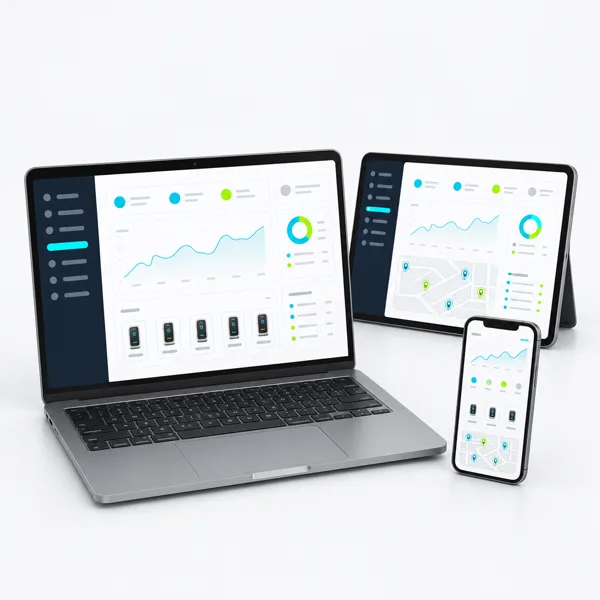
Request a platform plan for your charging operation
Tell us how many chargers you plan to connect and where the project will operate. We will map the operating modules, integrations and rollout path.
One platform, organised around the team that runs charging.
Pick the closest operating role. The project plan then maps the screens, permissions, integrations and reports that role needs.
Charge point operator
Run charger status, sessions, alerts, commercial rules and support across one or more sites.
Property and hospitality team
Manage guest, tenant, employee or public access without forcing staff into a technical dashboard.
Fleet and depot manager
See vehicle charging progress, exceptions and energy records around shifts and departure priorities.
Network and service team
Organise sites, permissions, fault queues, escalation and reporting across the operating portfolio.
Six operator jobs, connected in one working view.
A useful charging platform should follow the work your team already does. Select the jobs below that belong in your platform scope.
Network operations
View sites, charger availability, charging sessions, alerts and approved remote actions from one operations queue.
Know what is running and what needs attention.Drivers and access
Set up public, guest, employee, tenant, member or fleet access around clear user roles and charging journeys.
Give each driver group the right way to start charging.Pricing and payment workflow
Organise tariffs, fees, payment handoff, transaction records and settlement information for the selected market.
Connect each paid session to a usable commercial record.Energy and charging priorities
Bring site limits, charger groups, priority rules and load-management status into the operator workflow.
Coordinate charging demand with the power available on site.Reports and finance handoff
Build views and exports for energy, sessions, fees, exceptions, sites, vehicles or driver groups.
Turn charging activity into reports the business can use.Integrations and support
Map charger communication, APIs, webhooks, business-system data, alerts and escalation ownership.
Keep hardware, software and support on one operating path.Select the operating model that matches your charging business.
Use the closest profile as the starting point. The platform scope then combines the relevant modules, roles, data and integrations.
Commercial site operations
View scope details
- Charging control
- Status, access and allowed remote actions confirmed for the charging groups
- Operating model
- One property or public site with named operator roles and commercial workflow
- Charger connection
- Compatible charger communication, network and data path confirmed per project
The quote names the included access, tariff or fee, payment, reporting, alert and support functions.
Guest and member operations
View scope details
- Charging control
- Charging rules linked to the access groups confirmed for the property
- Operating model
- Guest, resident, employee, tenant or member journeys with operator oversight
- Charger connection
- Selected chargers and identity or access method confirmed in the project scope
Free, authorised and paid modes, user roles, privacy inputs and front-desk or property workflows are agreed before supply.
Fleet charging operations
View scope details
- Charging control
- Charging visibility and allowed control linked to vehicle and departure workflows
- Operating model
- Depot operation organised around vehicles, drivers, shifts or charging groups
- Charger connection
- Fleet chargers, site controller and data interfaces confirmed per project
Vehicle records, schedule inputs, priority visibility, energy reports, exceptions and operator roles are fixed in the software scope.
One screen for the questions your operations team asks every day.
See sites, charger status, sessions, alerts, energy and reports without moving between disconnected tools.
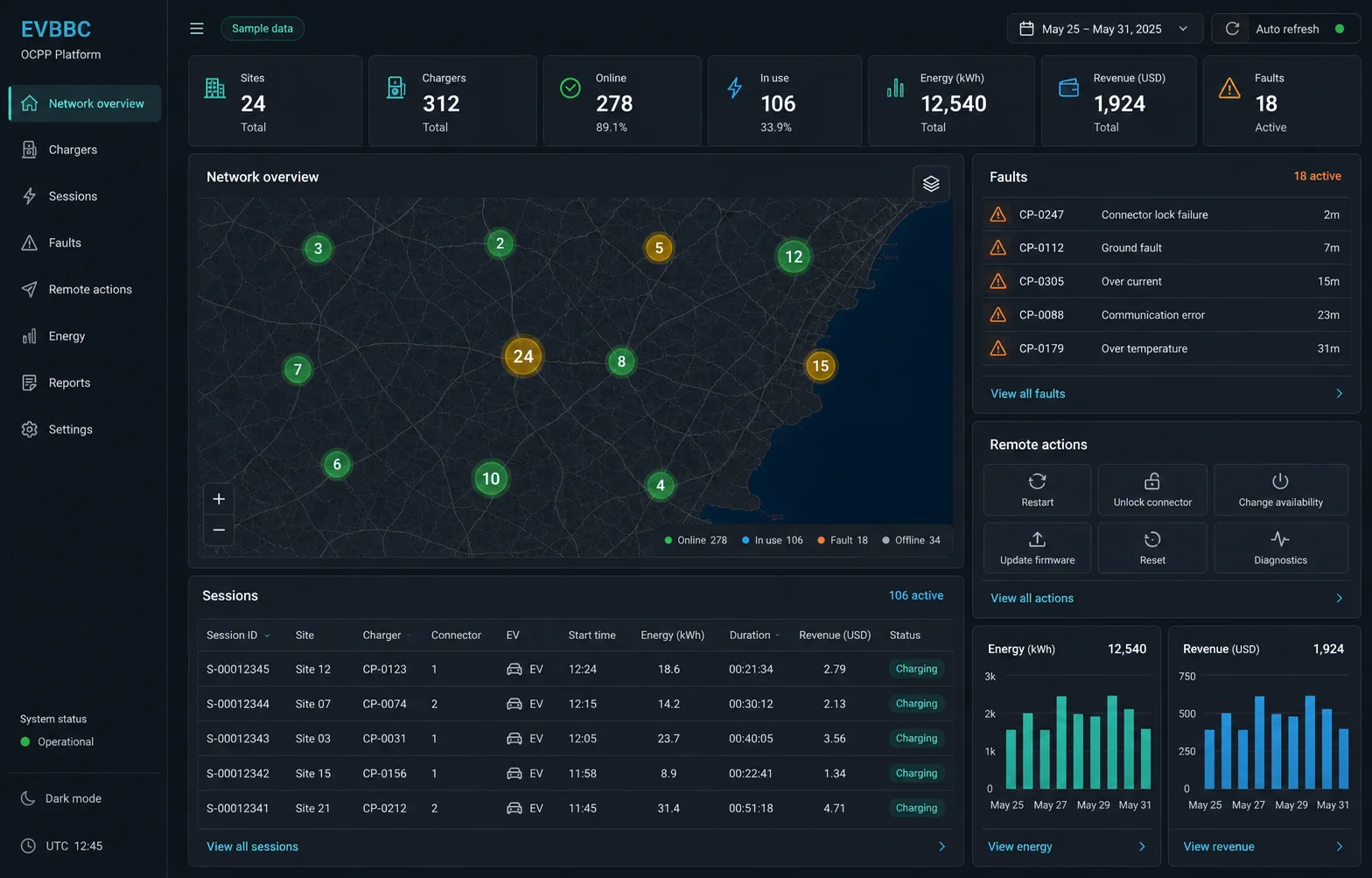
An operator workspace bringing sites, chargers, sessions, energy and exceptions into one decision view.
Use this interface view to identify the dashboard, session, alert and reporting screens your operating team needs.
See how the platform connects the charging site to the business.
The platform sits between field equipment and the people or systems that use charging data. Map these three layers before selecting integrations.
- Layer 01
Charging sites and equipment
AC and DC chargers, site meters or controllers, local connectivity and the charger communication route.
- Layer 02
Operator workspace
Users and roles, charging sessions, alerts, tariffs, payment handoff, energy visibility, dashboards and reports.
- Layer 03
Business and driver connections
Payment providers, finance or reporting systems, customer apps, fleet tools and partner connections selected for the operation.
Connect AC chargers, DC chargers and site-power control in one operator view.
Available controls depend on the charger model and connection method; the matched project plan covers the functions for your equipment.
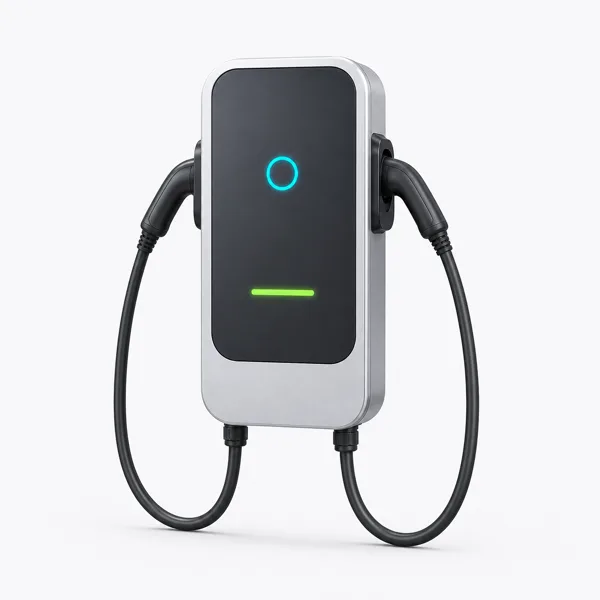
Commercial AC charging
Configure access and reporting for longer-stay charging groups included in the project.
See how it fits
Commercial DC charging
Connect the operator view to the public or controlled fast-charge lane and its commercial workflow.
See how it fits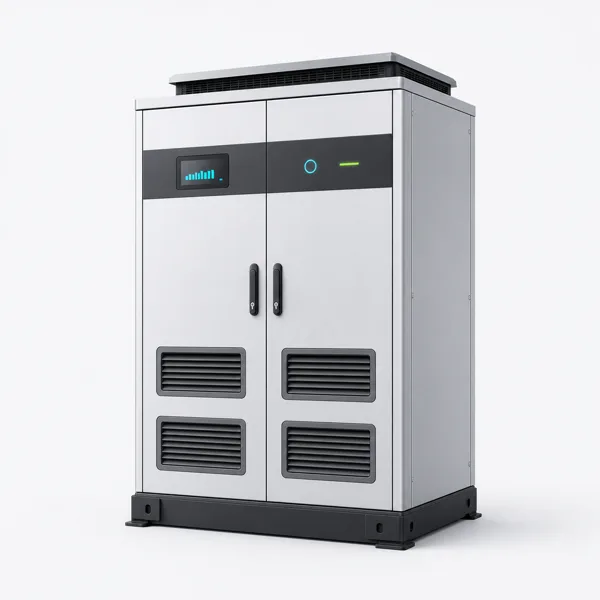
Dynamic load management
Expose the power-control status and operator actions included in the confirmed control design.
See how it fitsSend six details for a useful software plan.
A short operating brief is enough to map the first platform proposal.
- Site owner, day-to-day operator, support roles and required permission levels
- Driver groups, access journey and free, authorised or paid charging rules
- Currency, tax, tariff or fee logic, payment route and settlement or reconciliation needs
- Charger models, OCPP 1.6J or other agreed communications, connectivity and required integrations
- Dashboard fields, reports, exports, alerts, remote actions and escalation workflow
- Data fields, hosting and retention needs, privacy responsibilities, onboarding and support
Get the right information at each buying step.
Download the worksheet, add your site details and receive a matched configuration with a clear handover path.
Commercial EV charging project worksheet
Share the site, vehicles, power information, destination and timeline needed for a useful first proposal.
PDF - 2 pages Download the worksheetSelected charging software scope
Lists the users, permissions, charging-session workflow, remote actions, payment handoff, reports, data and integrations included.
Project configuration pack Add this document scope to my quoteSoftware activation and operating handover pack
The confirmed order controls the applicable onboarding, roles, enabled functions, reporting, warranty and support documents.
Included with your confirmed order Plan my handover packUse the worksheet to share your starting details and receive one coordinated scope for specifications, documents, responsibilities and commercial terms.
Answers before you select a charging management platform.
Can the platform collect charging fees?
Describe the country, currency, tax treatment, user journey, payment route and settlement or reconciliation needs. The functions and commercial providers included for the project are then named in the project package.
Can hotel guests, employees and the public use different rules?
Yes. We can set up separate identity methods, permissions, free or paid rules and operator actions for each user group for the selected user groups.
Will the platform work with every charger?
Match the selected charger model, communication method, network and required functions together. A protocol name alone does not mean every command, data field or workflow is supported.
What reports can the operator receive?
List the decisions the report must support, such as energy by site or vehicle, charging sessions, fee records, status or exceptions. The included fields, period, export and delivery method are then confirmed.
What should I send for a software quotation?
Provide the site type, operator and user roles, charger list, access and payment workflow, reporting needs, required integrations, connectivity, data requirements and support expectations.
Define the operator journey beside the charging equipment.
Turn your charger list into a working operating model.
Share the charger count, destination and operating roles. We will map the recommended modules, equipment connections, integrations and rollout steps.
Your request carries the selected platform and project context automatically.